
Copy the URL
Open the photo post and copy its link. A profile address alone does not include the picture.
Instagram is full of pictures you may want to keep on your own device. IGMP4 takes a public photo link and saves the JPG, on a phone, a tablet, or a computer. No app and no account.
Three steps are enough. Keep this page open while you copy the link.
Open the photo post and copy its link. A profile address alone does not include the picture.

Paste it into the box on this page and press Download.

A separate box shows the photo. Save the JPG that matches the slide you want.
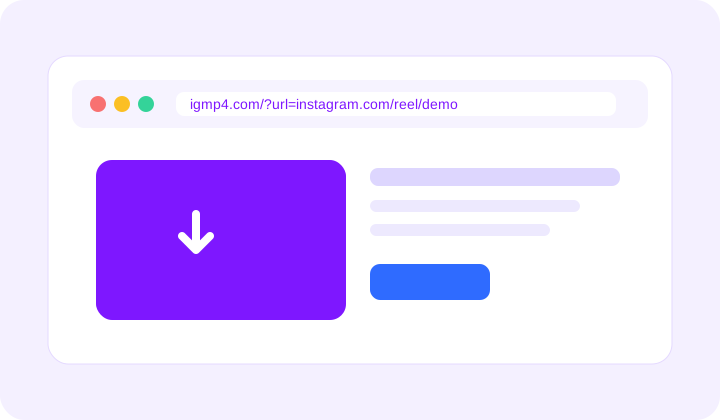
Add the photo link after ?url= on igmp4.com and the page opens ready to save.
https://igmp4.com/photo.html?url=https://www.instagram.com/p/SHORTCODE/
One post can hold a single picture or a whole album. Each public photo is listed on its own, so you can save one slide or every slide. There is no subscription and no Instagram login.
Yes. IGMP4 runs in the browser, so a PC, Mac, tablet, or phone can all save the JPG.
Photos save as JPG. Videos on other pages save as MP4, and the sound can also be saved as MP3.
Yes. There is no account to create and no charge for a public photo.
No. If the picture is not visible without a login, IGMP4 cannot fetch it either.