
Copy the URL
Open the video and copy the link. The address usually contains /p/ or /reel/.
A public feed video can be saved as a file you keep. IGMP4 reads the link, plays a preview, and offers the MP4 plus an MP3 of the same sound. It runs in the browser on a phone, a tablet, or a computer.
Follow the three steps in order. The download box opens under the link box.
Open the video and copy the link. The address usually contains /p/ or /reel/.
Return here, paste the address, and press Download.

Preview the clip, then save MP4, MP3, or the cover JPG.
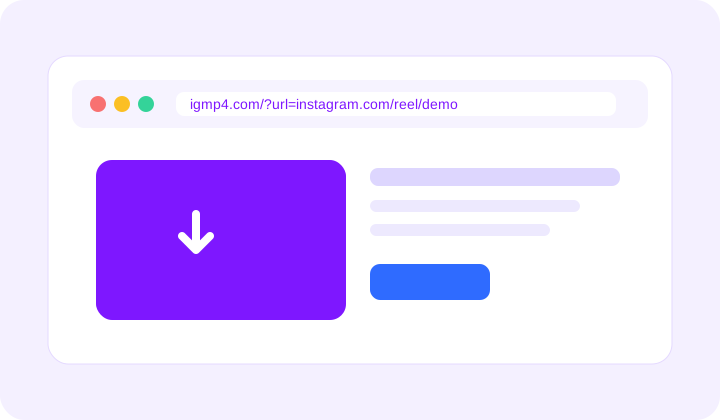
Put the video link after ?url= and the save page opens with that public file.
https://igmp4.com/video.html?url=https://www.instagram.com/reel/SHORTCODE/
Single videos and video slides inside an album can be saved from this page. Nothing is re-encoded for the MP4, and IGMP4 does not add its own watermark. Your Instagram password is never requested.
Yes. Each video slide gets its own preview. The carousel page is built for mixed albums.
MP4 for the video, MP3 for the audio, and JPG for the cover image.
It is saved to your browser downloads folder. The page stays on igmp4.com.
No. Only a video that is already public can be opened here.