
Copy the URL
Copy the address from the video page, not a shortened share that hides the post id.
IGTV is the long-video format. If you cannot watch it now, save the public file and come back to it later, even if you are offline. IGMP4 keeps the full length Instagram published.
Links often contain /tv/. Newer long videos may use /reel/ or /p/. Paste the public address you have.
Copy the address from the video page, not a shortened share that hides the post id.
Longer files can take a moment before the preview reports its duration.

Save the MP4 to watch later, or save the MP3 if you only need the sound.
https://igmp4.com/igtv.html?url=https://www.instagram.com/tv/SHORTCODE/
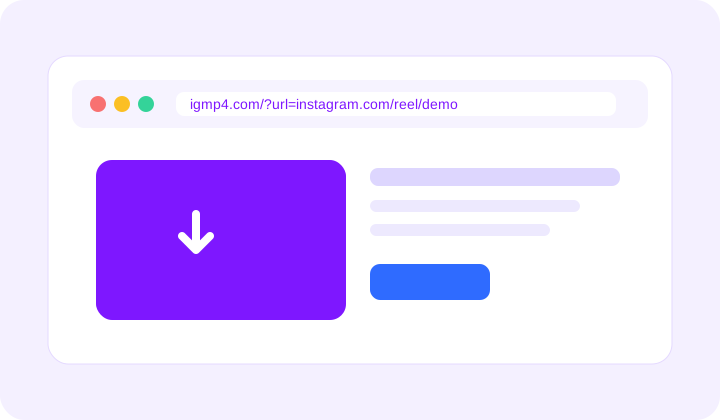
This page is for long public videos. There is no login and no extra watermark. A private video stays private.
Yes, when the post is public. The preview may take a little longer to report its length.
MP4 for the video, MP3 for the audio, and JPG for the cover.
Paste it anyway. IGMP4 follows the public file, and the Reels page accepts the same kind of link.