Copy the URL
From the Reel, choose share and copy the link. Sending the link to yourself works too.
Reels are short vertical videos. IGMP4 saves a public Reel as MP4, and the same clip’s sound as MP3, without installing an app or signing in to Instagram.
Copy, paste, then choose a format from the download box.
From the Reel, choose share and copy the link. Sending the link to yourself works too.
Paste it here and press Download. The preview uses the public file so you can confirm the clip.
Save the MP4, the MP3, or the cover JPG. IGMP4 does not stamp a watermark on the video.
https://igmp4.com/reels.html?url=https://www.instagram.com/reel/SHORTCODE/
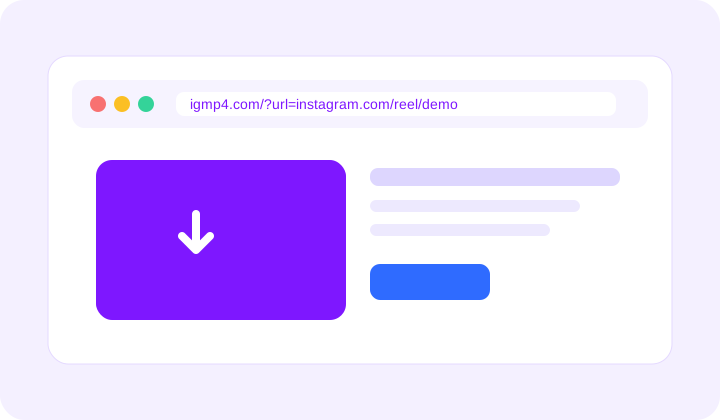
Use this page when the link contains /reel/. A normal feed video can use the video page, and a long video can use the IGTV page. Private Reels stay unavailable.
No. Paste the public Reel link. IGMP4 never asks for your Instagram password.
Yes. After the preview appears, choose MP3. The video itself stays available as MP4.
In your browser downloads folder. This page does not send you to the CDN.