


Copy the link
Open Instagram and copy the address of the photo, video, Reel, carousel, or IGTV.
IGMP4 is an online tool that saves public Instagram videos, photos, Reels, and IGTV. It is easy to use on a phone, a tablet, or a computer.
Three short steps save a public video, Reel, or photo. Follow them in order.
Open Instagram and copy the address of the photo, video, Reel, carousel, or IGTV.
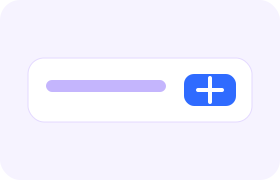
Return to IGMP4, paste the address into the box, and press Download.

The file appears under the box. Save the MP4 or JPG that matches what you need.
Skip hunting for the box. Put the Instagram address after ?url= on igmp4.com and the download starts as soon as the page opens.
https://igmp4.com/?url=https://www.instagram.com/reel/SHORTCODE/
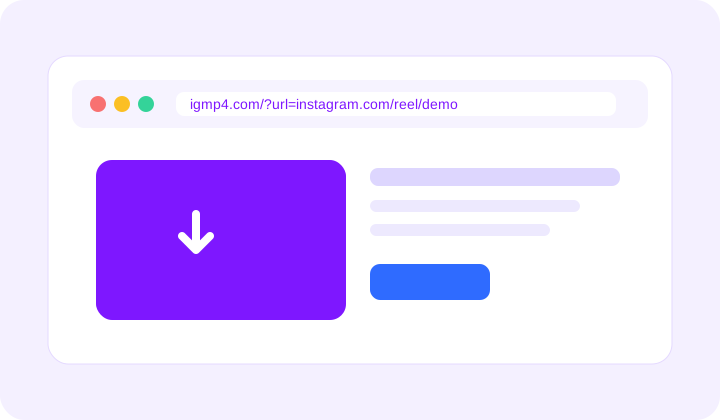
The lookup runs in your browser, so the file is ready as soon as the public post responds.
The same page works on a phone, a tablet, and a desktop browser.
Videos stay MP4 and photos stay JPG, without an extra watermark from IGMP4.
Your Instagram password is never requested. Private accounts stay private.
No. Paste the link of a public post. IGMP4 never asks for a password.
No. If a post is not visible without a login, IGMP4 cannot fetch it either.
Videos are MP4. Photos are JPG. Carousels are saved as separate files, one per slide.
It is saved to your browser downloads folder as an MP4 or JPG. The page stays on igmp4.com.